
Introduction
Odoo CRM is a customer relationship management solution that helps businesses manage leads, opportunities, customer interactions, and sales processes from a single platform. It integrates with other Odoo applications to streamline business operations.
What is Odoo CRM?
Odoo CRM is available as both cloud-based and on-premise software. It helps businesses capture leads, manage opportunities, automate sales activities, and improve customer relationships.
Main Functions
- Lead Management
- Opportunity Tracking
- Sales Pipeline Management
- Sales Forecasting
- Customer Communication
Why Use Odoo CRM?
Benefits
- Increase sales productivity
- Improve customer satisfaction
- Automate repetitive tasks
- Track sales performance
- Improve team collaboration
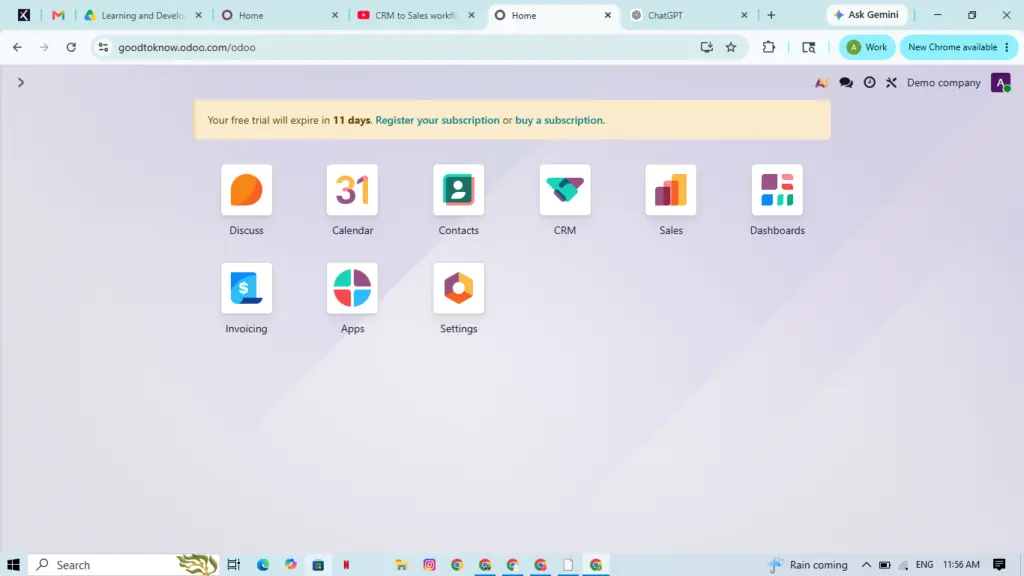
Odoo CRM Structure
Lead
Every customer inquiry starts as a lead collected from websites, emails, phone calls, or marketing campaigns.
Opportunity
Qualified leads become opportunities where sales teams manage customer interactions.
Sales Pipeline
The pipeline tracks every sales opportunity through different stages such as New, Qualified, Proposal, Negotiation, Won, and Lost.
Customer Record
Each customer profile stores contact details, communication history, quotations, invoices, and activities.
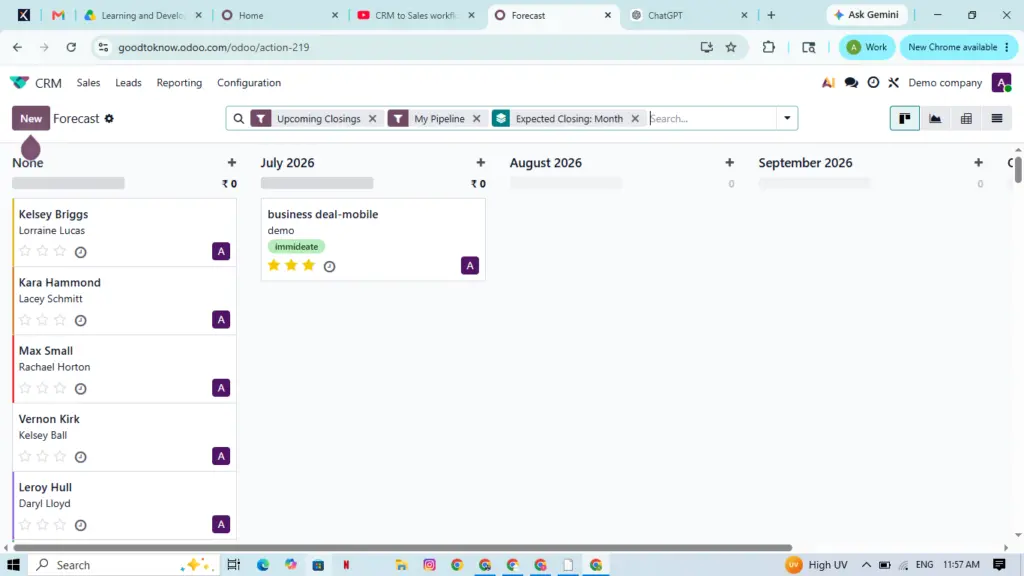
Odoo CRM Workflow
Step 1: Lead Generation
Leads are collected from websites, emails, social media, live chat, and marketing campaigns.
Step 2: Lead Qualification
Sales teams evaluate leads based on business needs, budget, and purchase intent.
Step 3: Opportunity Management
Qualified leads are assigned to sales representatives for follow-up activities.
Step 4: Pipeline Tracking
Managers monitor opportunities using a visual Kanban pipeline.
Step 5: Quotation
Create professional quotations with products, pricing, taxes, and discounts.
Step 6: Deal Closure
Approved quotations become confirmed sales orders.
Step 7: Customer Retention
Continue building relationships through support, renewals, and marketing.
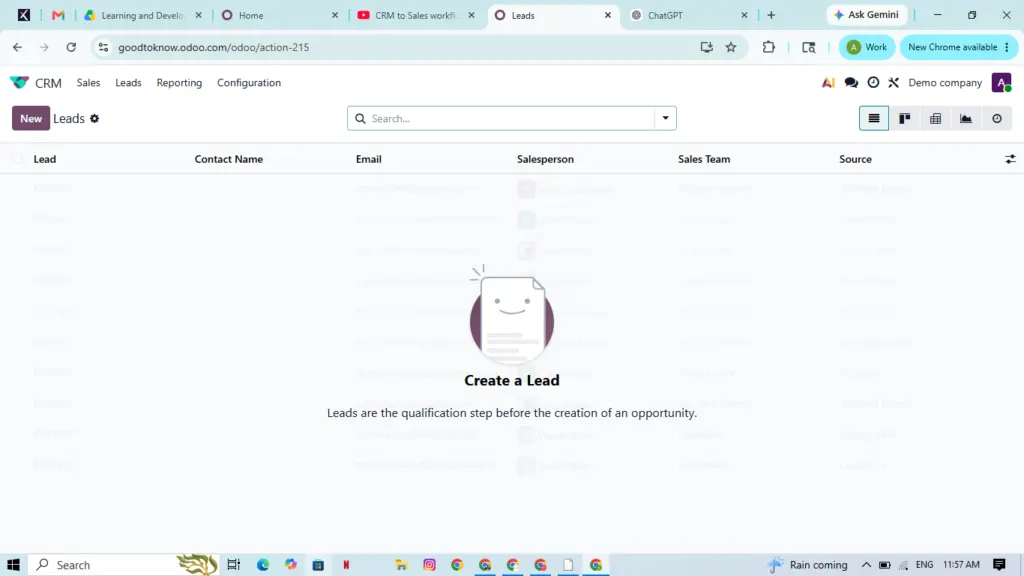
Key Features
Lead Management
Capture and organize leads from multiple sources automatically.
Visual Sales Pipeline
Track opportunities with an easy drag-and-drop Kanban interface.
Sales Automation
Automate reminders, follow-ups, task assignments, and approvals.
Email Integration
Manage customer emails directly inside the CRM.
Calendar & Meetings
Schedule meetings and appointments with integrated calendar tools.
Sales Forecasting
Predict future revenue using pipeline data and deal probability.
Dashboard & Reports
View real-time reports for revenue, win rates, and sales performance.
Mobile Access
Access CRM data anytime using mobile devices.
Customization
Customize pipelines, reports, fields, and automation rules.
Benefits of Odoo CRM
Improve Productivity
Reduce manual work through automation.
Better Customer Relationships
Maintain complete customer history for personalized communication.
Higher Lead Conversion
Prioritize qualified leads using lead scoring.
Accurate Forecasting
Make better business decisions with real-time analytics.
Scalable Solution
Grow your CRM as your business expands.
Workflow Automation
Automation Examples
- Lead Assignment
- Automated Emails
- Task Creation
- Approval Workflows
- Reminder Notifications
Odoo CRM Integrations
Integrated Applications
- Sales
- Accounting
- Inventory
- Purchase
- Marketing
- Helpdesk
- Website
- eCommerce
- Projects
Industry Use Cases
Manufacturing
Manage distributor inquiries, quotations, and production planning.
IT Services
Track proposals, contracts, and project delivery.
Healthcare
Manage customer relationships and recurring services.
Wholesale Distribution
Connect inventory with quotations and order management.
Professional Services
Manage consultations, contracts, and customer projects.
Best Practices
Implementation Tips
- Define business goals.
- Map existing sales processes.
- Clean customer data.
- Customize workflows.
- Train users.
- Monitor performance regularly.
Common Challenges Solved
Problems Addressed
- Lost Leads
- Slow Follow-ups
- Poor Forecasting
- Disconnected Departments
- Manual Reporting
- Customer Churn
Why Choose Odoo CRM?
Enterprise Advantages
- Multi-company support
- Multi-currency support
- Role-based access
- Advanced reporting
- API integrations
- Custom workflows
- Enterprise-level security
Frequently Asked Questions
What is Odoo CRM?
It is a CRM platform for managing leads, sales opportunities, customer relationships, and business growth.
Is Odoo CRM free?
Odoo offers both Community and Enterprise editions.
Can it integrate with other applications?
Yes. It integrates with Odoo apps and third-party applications.
Is it suitable for large businesses?
Yes. Odoo CRM supports enterprise-level operations and scalability.
Conclusion
Odoo CRM provides everything businesses need to manage leads, automate sales processes, improve customer relationships, and increase revenue. Its flexibility, automation, and seamless integration make it an excellent CRM solution for businesses of all sizes.
Call to Action
Get Started with Odoo CRM
Implement Odoo CRM to streamline your sales process, automate workflows, improve customer engagement, and grow your business with expert implementation, customization, migration, training, and ongoing support.
Recent Articles